Build packs
The full guide, diagrams and ready code for builds from Subzero Labs, in one download. The free commands stay in each video's description; a pack is everything in one place.
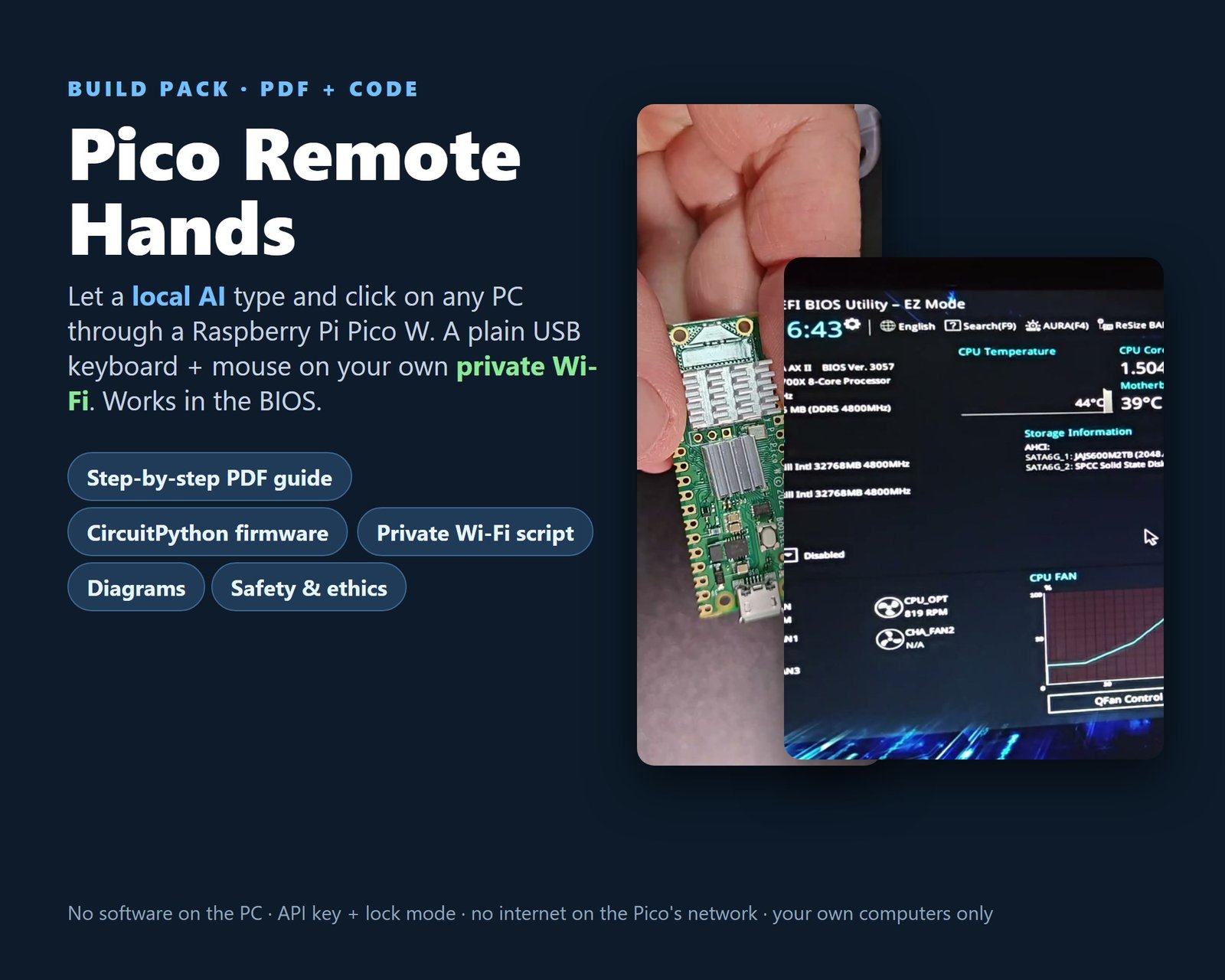
Pico Remote Hands build pack
A Raspberry Pi Pico W plugs into a PC's USB port as a plain keyboard and mouse. Your local AI box sends it commands over its own private Wi-Fi, and the Pico types, presses keys and clicks. Nothing is installed on the PC, and the keyboard works in the BIOS / UEFI setup screens.
What you get
- 15-page step-by-step PDF guide (safety and ethics, parts, private access point, install, lock mode, BIOS keys, rules for an AI agent, tests, troubleshooting)
- Pico firmware (CircuitPython 10): keyboard + mouse, API key, allowlist, rate limit, emergency halt
- Installer, Python client for the AI box, access-point script for Debian / Ubuntu / Raspberry Pi OS
- 11 unit tests and 5 diagrams (PNG + SVG); code under the MIT licence
You need: A Pico W or Pico 2 W, a micro-USB data cable and a Linux computer with a Wi-Fi adapter that supports AP mode. No soldering.
Honest test status: Tested on our own Windows 11 PC with a Pico W: typing, keys, emergency halt, lock mode, and opening the UEFI setup by itself after a restart. Not tested yet: the Pico 2 W, Linux and macOS targets, other BIOS brands.
Use it only on computers you own or are allowed to operate.
$9.00 · instant PDF + code download
Get it on Payhip Watch the build video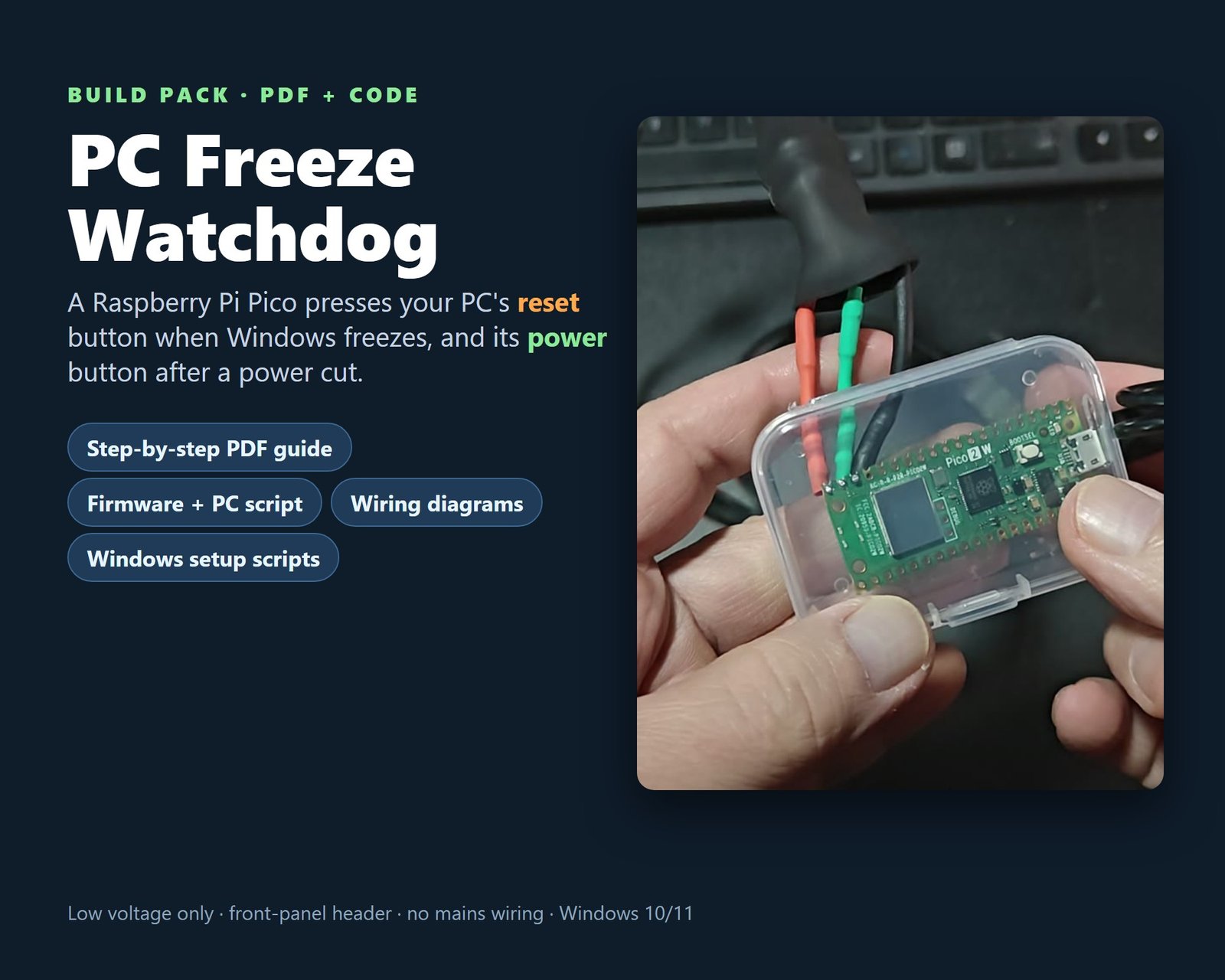
PC Freeze Watchdog build pack
A Raspberry Pi Pico sits inside your PC and listens for an "I'm alive" message from Windows every 15 seconds. If the messages stop for 10 minutes it presses the reset button; if the PC is off it presses power. After 3 tries it stops and waits.
What you get
- 12-page step-by-step PDF guide (how it works, parts, safety, header pins, wiring, soldering, flashing, PC setup, tests, troubleshooting)
- Pico firmware (MicroPython) and the PC heartbeat script (Python)
- Windows scripts: start at sign-in (no admin), power button to "Do nothing", undo scripts
- 5 diagrams (PNG + SVG); code under the MIT licence
You need: A Raspberry Pi Pico (Pico 2 W in our build), 2 PC817 optocouplers, 2 x 220 ohm resistors, a front-panel header splitter, jumper wires. Basic soldering or a breadboard. Windows 10 or 11 with Python 3.
Honest test status: Tested on our own Windows 11 desktop: reset on command, a real freeze reset, and switching itself back on after a planned shutdown. Not tested yet: a real power cut, other Pico models, Linux or macOS.
Low voltage only: it uses the motherboard's front-panel header, never mains wiring.
$9.00 · instant PDF + code download
Get it on Payhip Subzero Labs on YouTubeDigital downloads, nothing is shipped. Code under the MIT licence; guides are for personal use. Raspberry Pi and Pico are trademarks of Raspberry Pi Ltd; these packs are not made or endorsed by them.